Why Discord Phone Verification Fails (And How to Fix It in 2026)
Discord verification failing? Discover why phone verification doesn’t work and how to fix it with reliable solutions.
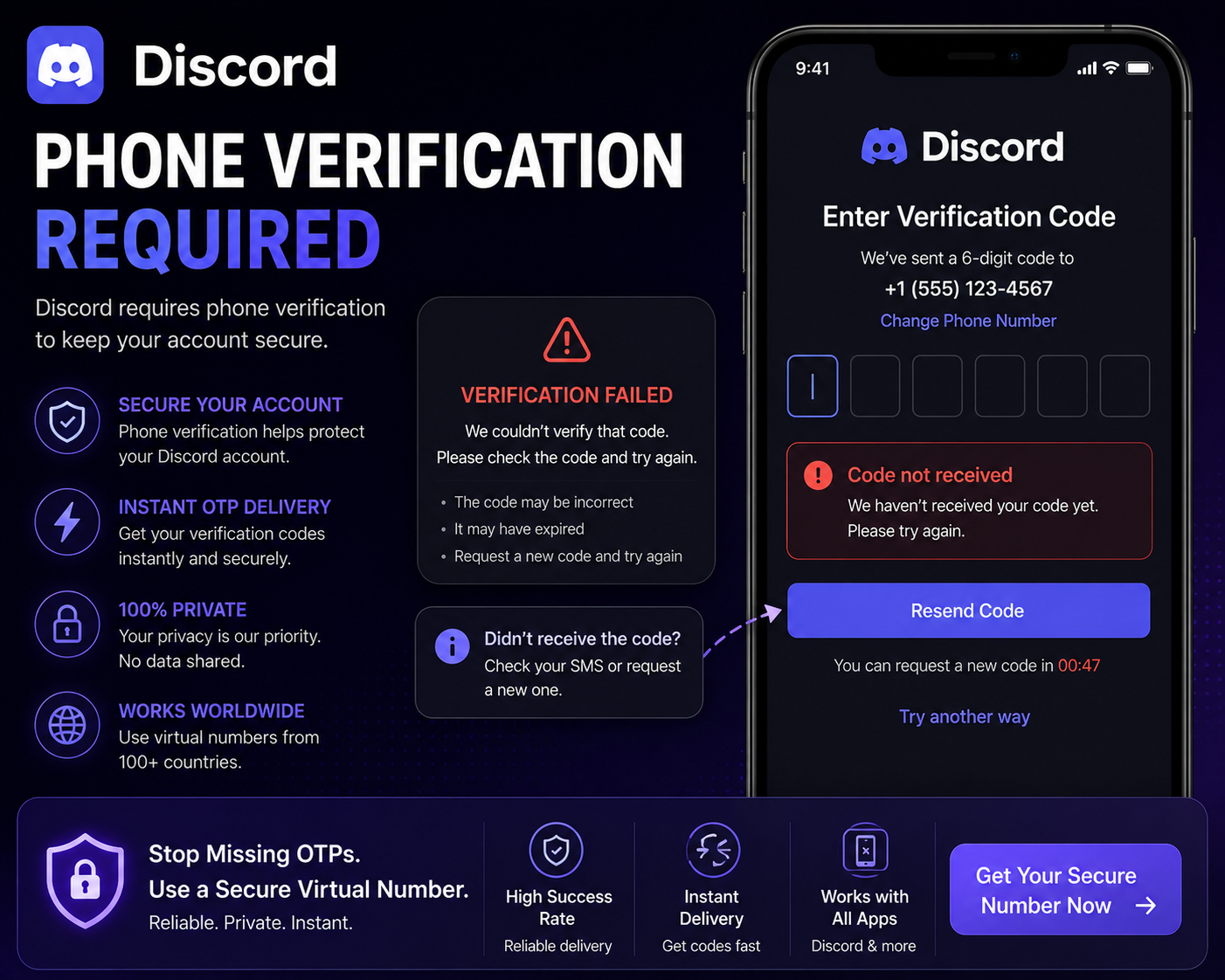
Discord Phone Verification
If you’ve been asked to verify your phone number on Discord, you may have seen this:
👉 “Phone number already in use”
👉 “Invalid phone number”
👉 “Verification failed”
And sometimes:
👉 No OTP arrives at all.
Discord’s phone verification system is stricter than most users expect — especially when it comes to preventing spam and bot accounts.
This guide explains:
Why Discord phone verification fails
What Discord is actually checking
And what actually works in 2026
Why Discord Phone Verification Fails (Real Reasons)
Most failures are not random — they are triggered by Discord’s anti-abuse systems.
Here’s what’s really happening:
1. Number Already Used or Linked
Discord limits how numbers can be used.
If a number:
Has been used for another account
Is linked to multiple profiles
Was previously flagged
👉 It may be rejected instantly
This leads to:
“Number already in use”
“Invalid number” errors
2. Public / Shared Numbers Are Blocked
If you’re using free SMS services:
The number is shared
It has been reused many times
It’s likely already flagged
👉 Discord blocks these numbers automatically
3. Number Reputation & Risk Signals
Discord evaluates:
Number history
Usage patterns
Associated activity
If a number appears risky:
👉 Verification is denied
4. IP & Device Detection
Discord monitors:
Your IP address
Device fingerprint
Login behaviour
If something looks unusual:
👉 Verification may fail
Example:
New account + new device + VPN = higher risk
5. OTP Delivery Issues
Even if Discord sends the code:
It may be delayed
It may not arrive
It may be filtered
👉 Especially with low-quality numbers
Why Free SMS Numbers Don’t Work on Discord
This connects directly to
👉 why SMS verification fails
Free SMS platforms:
Share numbers publicly
Are used repeatedly
Have poor reputation
Discord treats these numbers as:
👉 High-risk / automated
So:
👉 Most are blocked instantly
What Actually Works (Reliable Fixes)
Now the important part.
👉 What actually works?
✔ Use a Clean, Private Number
Private numbers:
Are not shared
Have better reputation
Avoid instant blocking
👉 This increases success rate significantly
✔ Avoid Reusing Numbers
If a number has already been used:
❌ Don’t retry
✔ Use a fresh number
✔ Keep Environment Consistent
Use stable IP
Avoid switching VPN locations
Use same device
👉 Reduces detection risk
✔ Limit Verification Attempts
If verification fails:
❌ Don’t retry repeatedly
✔ Wait or switch number
Step-by-Step: Reliable Discord Verification Method
Get a private virtual number (unused)
Open Discord in a clean session
Use stable network/IP
Enter number once
Wait for OTP (no repeated requests)
Complete verification
Common Mistakes to Avoid
Most failures happen because users:
Use shared SMS numbers
Reuse flagged numbers
Try verification multiple times
Use unstable network setups
👉 Avoid these → better success rate
Free vs Private Numbers (Reality)
Free Numbers
❌ Shared usage
❌ Frequently blocked
❌ Low success rate
Private Numbers
✔ Better reputation
✔ Higher reliability
✔ More consistent verification
👉 This is what actually works.
Why Discord Is Strict About Verification
Discord is heavily targeted by:
Spam bots
Fake accounts
Automated abuse
So it has:
👉 Strong detection systems
👉 Strict verification filters
When You Should Use Phone Verification on Discord
You may need verification when:
Creating new accounts
Accessing certain servers
Triggering security checks
👉 Using the right number makes the process smoother
Final Verdict
Discord verification failures are usually caused by:
Number reuse
Poor number quality
Detection systems
Once you understand:
What Discord checks
Why numbers get blocked
What methods work
👉 You can verify successfully without repeated failures.
Using a clean number and stable setup makes a major difference.