Why Gmail Phone Verification Fails (And How to Fix It in 2026)
Gmail verification failing? Discover why phone verification doesn’t work and how to fix it effectively in 2026.
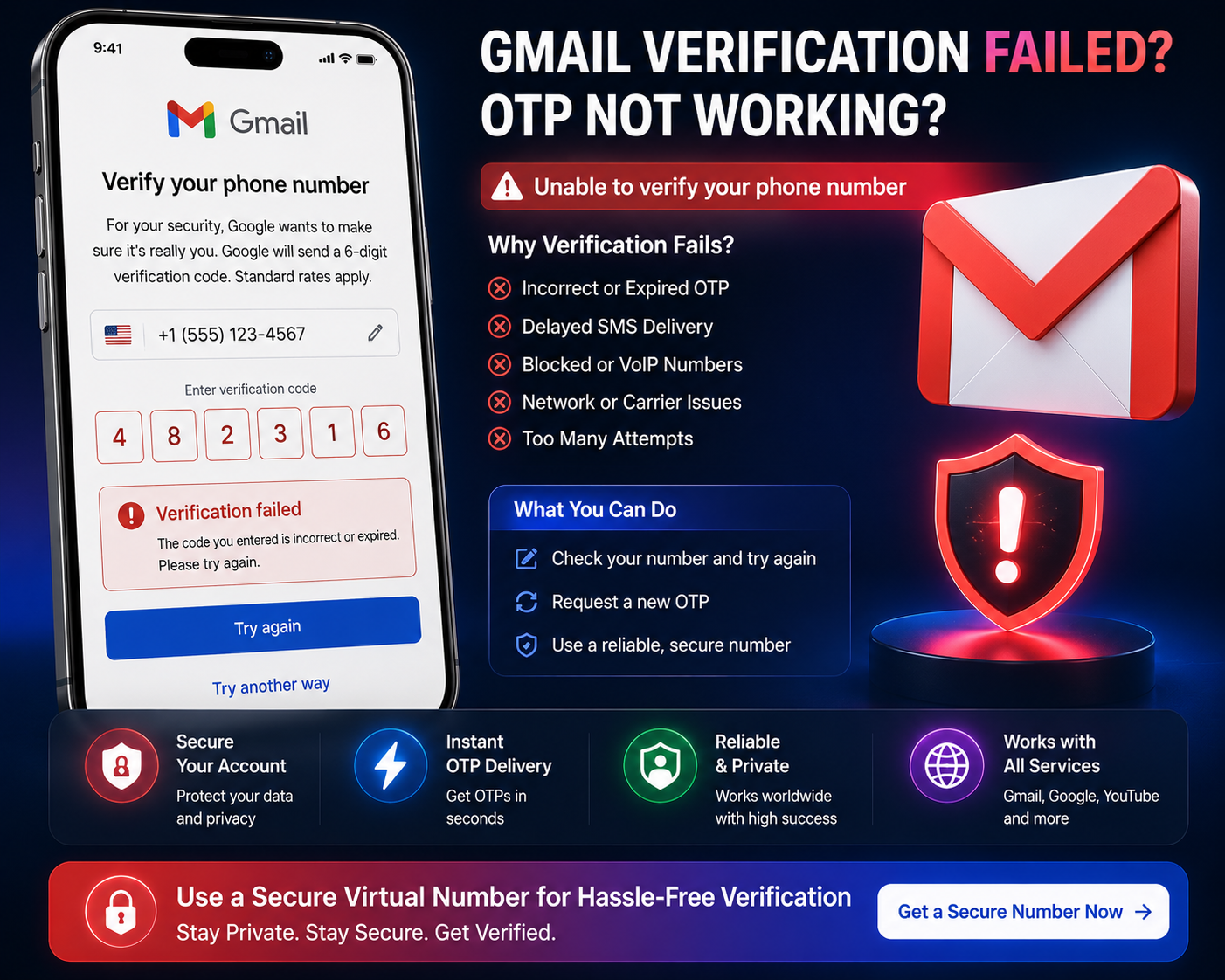
Introduction
Trying to create a Gmail account or verify your identity, but getting stuck on phone verification?
👉 “This phone number cannot be used for verification”
👉 “Too many attempts, try again later”
👉 OTP never arrives
Gmail (Google) has one of the strictest verification systems in the world.
And unlike other platforms:
👉 It doesn’t always tell you why it failed.
This guide explains:
Why Gmail phone verification fails
What Google is actually checking
And what actually works in 2026
Why Gmail Phone Verification Fails (Real Reasons)
Google’s system is highly advanced — and most failures are intentional, not technical.
Here’s what’s really happening:
1. Number Has Been Used Too Many Times
Google limits how often a number can be used.
If your number:
Has been used to create multiple accounts
Is linked to previous accounts
Shows repeated verification attempts
👉 It may be rejected
This is one of the most common reasons for failure.
2. Public / Virtual Numbers Are Restricted
Google is very strict with:
Free SMS numbers
Public/shared virtual numbers
These numbers:
Are often abused
Have poor reputation
👉 Google blocks many of them automatically
3. Suspicious Activity Detection
Google evaluates:
Account creation patterns
Device behaviour
IP activity
If something looks unusual:
👉 Verification fails
Example:
Multiple account creations from same device/IP
4. IP & Location Mismatch
Google compares:
Your IP location
Your phone number country
If they don’t align:
👉 Higher chance of rejection
5. Too Many Verification Attempts
If you:
Request OTP multiple times
Retry quickly
Google may:
👉 Temporarily block your number
Result:
“Try again later”
No SMS delivery
6. SMS Delivery Issues
Even when OTP is sent:
It may be delayed
It may not arrive
It may be filtered
👉 Especially with low-quality numbers
Why Free SMS Services Rarely Work for Gmail
Free SMS platforms:
Share numbers publicly
Are used repeatedly
Have poor reputation
Google treats these as:
👉 High-risk numbers
So:
👉 Most are blocked instantly
What Actually Works (Reliable Fixes)
Now the key part.
👉 What actually works?
✔ Use a Fresh, Clean Number
Numbers that:
Have not been reused
Have clean history
Are not publicly listed
👉 Are more likely to work
✔ Avoid Creating Multiple Accounts Quickly
If you create multiple accounts:
👉 Google flags your activity
✔ Space out attempts
✔ Use different sessions
✔ Match Region & Network
Use a number matching your location
Use stable IP
👉 Reduces suspicion
✔ Use Clean Device Environment
Clear cookies
Avoid multiple account logins
Use fresh browser session
👉 Keeps verification clean
✔ Avoid Repeated OTP Requests
If verification fails:
❌ Don’t retry immediately
✔ Wait before trying again
Step-by-Step: Reliable Gmail Verification Method
Use a fresh, private number
Open Gmail in a clean browser session
Use stable network/IP
Enter number once
Wait for OTP
Complete verification
Common Mistakes to Avoid
Most users fail because they:
Use free SMS numbers
Create multiple accounts quickly
Retry OTP too often
Use mismatched locations
👉 Fix these → better success rate
Free vs Private Numbers (Reality)
Free Numbers
❌ Often blocked
❌ Shared usage
❌ Low success rate
Private Numbers
✔ Better success rate
✔ Cleaner reputation
✔ More reliable
👉 This is what works
Why Gmail Is the Strictest Platform
Google focuses heavily on:
Preventing fake accounts
Limiting abuse
Protecting ecosystem
So its system is:
👉 Extremely strict
👉 Highly optimized
👉 Less forgiving than most platforms
When Gmail Verification Is Required
You’ll usually see verification when:
Creating new accounts
Suspicious login detected
Security checks triggered
👉 Using the right method makes the process smoother
Final Thoughts
Gmail verification failures are usually caused by:
Number reuse
Detection systems
Account behaviour
Once you understand:
What Google checks
Why numbers get rejected
What methods work
👉 You can verify successfully without repeated frustration.
Using a clean number and proper setup makes a major difference.