Why Instagram OTP Is Not Working (And How to Fix It in 2026)
Instagram verification code not working? Discover real reasons OTP fails and how to fix it effectively in 2026.
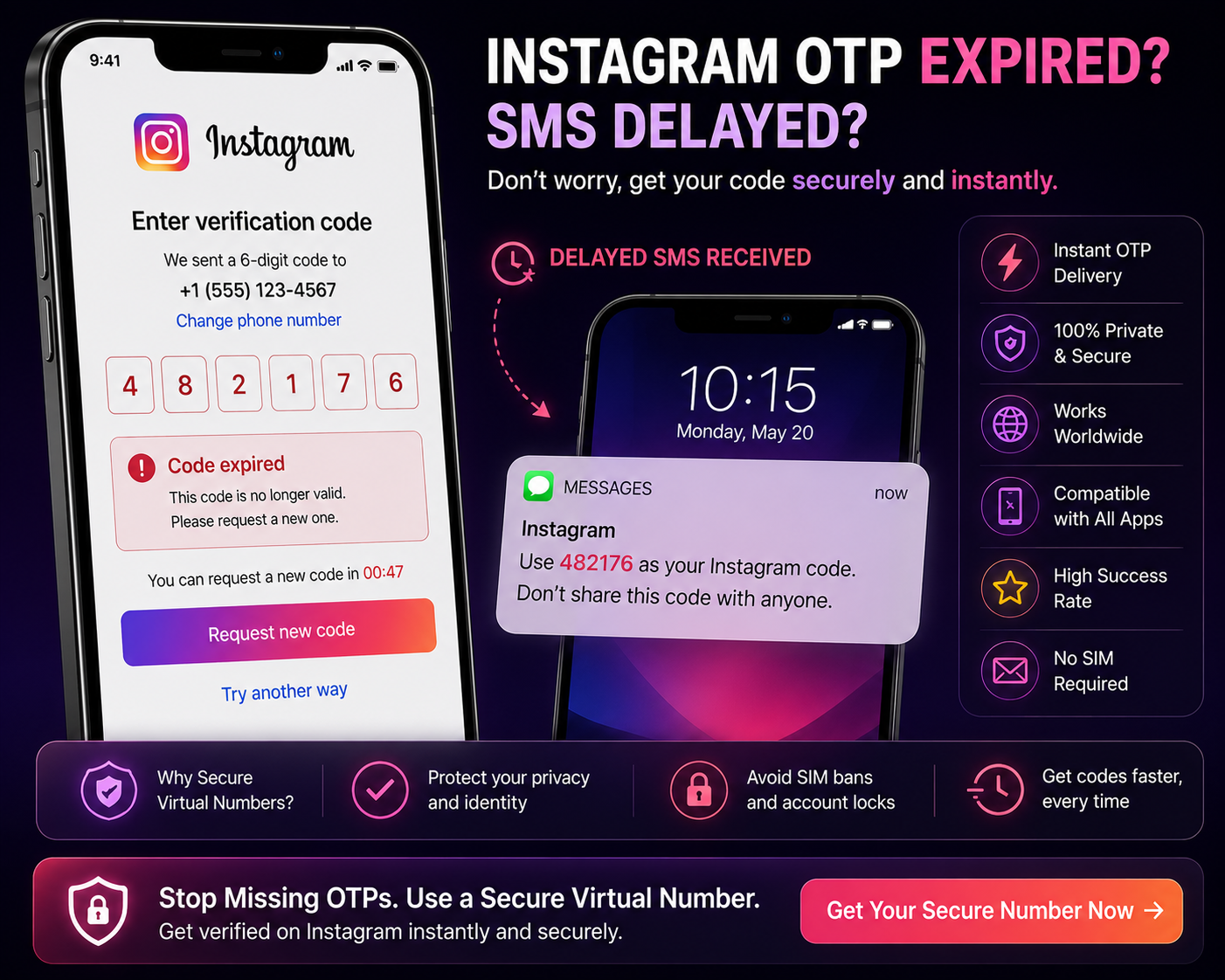
Instagram OTP
Trying to log in or sign up on Instagram and not receiving the verification code?
You’re not alone.
👉 “We couldn’t send a code”
👉 “Code expired”
👉 “Try again later”
These errors have become increasingly common — especially as Instagram tightens its security systems.
But here’s the key:
👉 OTP failures are rarely random
They’re usually caused by detection systems, number filtering, or delivery issues.
In this guide, you’ll learn:
Why Instagram OTP is not working
What’s happening behind the scenes
And what actually works in 2026
Why Instagram OTP Is Not Working (Real Reasons)
Let’s break down the real causes — not the generic advice.
1. Number Is Flagged or Reused
Instagram tracks:
Numbers used across multiple accounts
Numbers linked to suspicious activity
Repeated signup attempts
If your number has history:
👉 It may be restricted
Result:
OTP not sent
Or silently blocked
2. Free / Public Numbers Are Blocked
If you’re using shared SMS services:
The number has been used many times
It’s likely already flagged
👉 Instagram blocks these numbers aggressively
This is one of the most common reasons OTP doesn’t arrive.
3. Too Many Verification Attempts
If you:
Request OTP repeatedly
Enter incorrect codes
Instagram may:
👉 Temporarily block verification
This leads to:
“Try again later”
Delayed or blocked OTP
4. SMS Delivery Delays
Even if Instagram sends the OTP:
It may arrive late
It may be filtered
It may never reach your device
👉 Especially with unstable or low-quality numbers
5. IP & Location Mismatch
Instagram compares:
Your IP address
Your number’s country
If they don’t match:
👉 The system may block or delay verification
6. Device & Activity Signals
Instagram analyses:
Device usage patterns
Login behaviour
Account activity
If something looks unusual:
👉 Verification may fail
Why Free SMS Services Fail for Instagram
This connects directly to
👉 why SMS verification fails
Free SMS platforms:
Use shared numbers
Have public inboxes
Are heavily reused
Instagram treats these as:
👉 High-risk numbers
So:
👉 Most are blocked instantly
What Actually Works (Reliable Fixes)
Now the most important part.
👉 What actually works?
✔ Use a Clean, Private Number
Private numbers:
Are not shared
Have better reputation
Avoid instant blocking
👉 This improves OTP delivery significantly
✔ Avoid Repeated OTP Requests
If OTP fails:
❌ Don’t retry repeatedly
✔ Wait or switch number
✔ Match Region
If you are in the UK:
👉 Use a UK number
This reduces detection risk.
✔ Use Stable Network & Device
Avoid switching networks
Avoid multiple login attempts
👉 Keeps your session consistent
✔ Wait Before Trying Again
If blocked:
👉 Wait before retrying
This allows restrictions to reset.
Step-by-Step: Reliable Instagram Verification Method
Use a private virtual number
Ensure region matches your IP
Open Instagram in a clean session
Enter number once
Wait for OTP
Complete verification
Common Mistakes to Avoid
Most users fail because they:
Use free SMS numbers
Retry OTP too many times
Use mismatched country numbers
Use unstable connections
👉 Avoid these → better success rate
Free vs Private Numbers (Reality Check)
Free Numbers
❌ Shared
❌ Frequently blocked
❌ Low success rate
Private Numbers
✔ Better delivery
✔ Less detection
✔ Higher success rate
👉 This is the difference between success and frustration.
Why Instagram Is Stricter Now
Instagram is actively fighting:
Fake accounts
Automation tools
Spam activity
So its system is:
👉 More advanced
👉 More restrictive
👉 Less forgiving
Final Thoughts
Instagram OTP failures are usually caused by:
Number reputation
System filtering
Verification behaviour
Once you understand:
Why OTP fails
What Instagram checks
What actually works
👉 You can verify your account without repeated issues.
Using a reliable number and clean setup makes a major difference.