Why Telegram Verification Fails (And What Actually Works in 2026)
Telegram verification not working? Discover the real reasons behind OTP failures and proven fixes that actually work.
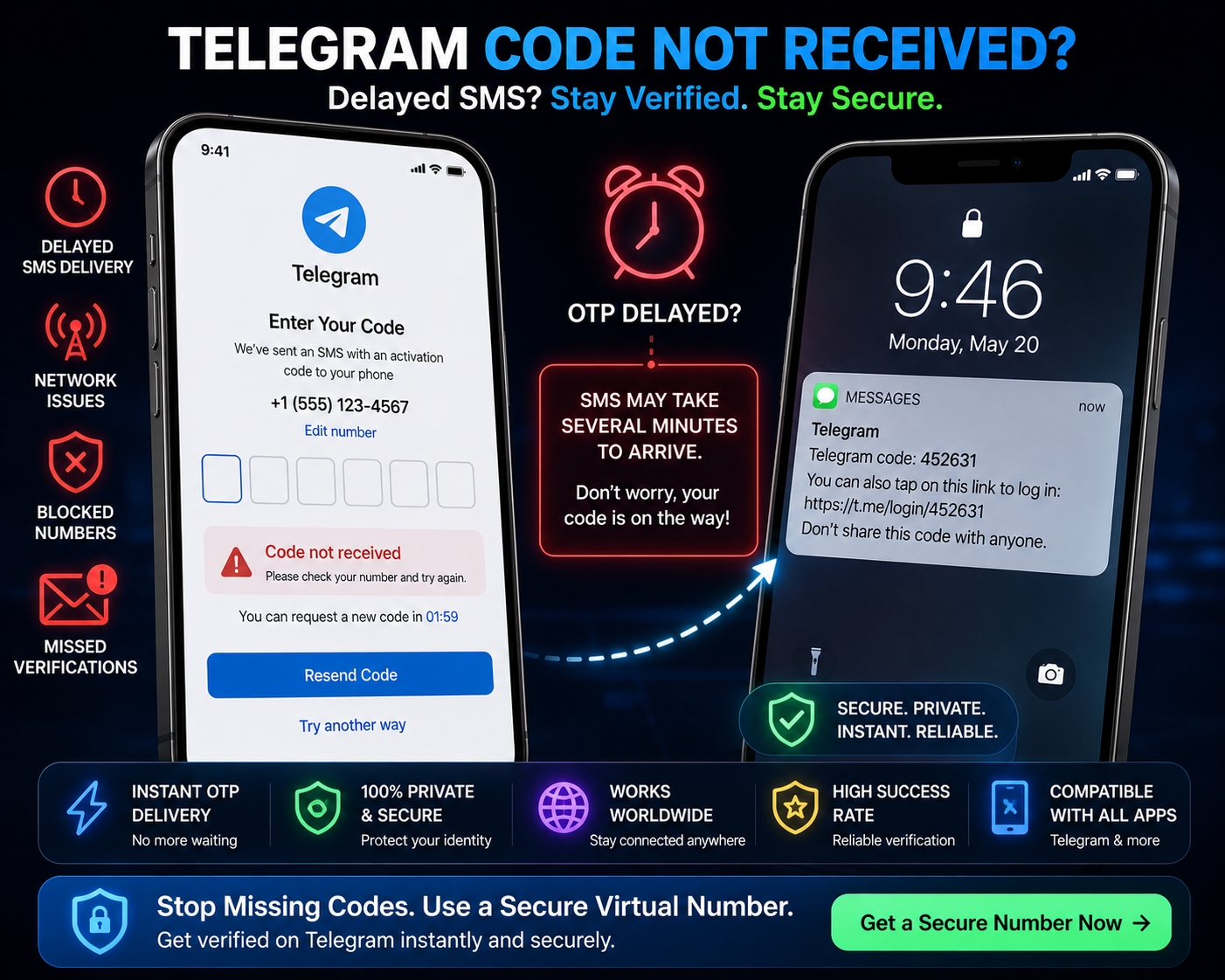
Why Telegram Verification Fails
Telegram is known for being fast and secure — but its verification process can be frustrating.
👉 “Code not received”
👉 “Too many attempts, try again later”
👉 “This number is banned”
If you’ve seen these messages, you’re not alone.
Telegram’s verification system is stricter than most people realize, and many numbers are filtered before the code is even sent.
This guide explains:
Why Telegram verification fails
What Telegram is actually checking
And what actually works in 2026
Why Telegram Verification Fails (Real Reasons)
Most failures are not random — they’re triggered by detection systems.
Here’s what’s really happening:
1. Number Reputation & Previous Usage
Telegram keeps track of:
Numbers used multiple times
Numbers linked to spam accounts
Numbers with unusual activity patterns
If your number has been reused:
👉 It may be restricted or blocked
2. Public Virtual Numbers Are Blacklisted
Telegram aggressively blocks:
Free SMS numbers
Public/shared numbers
Numbers listed on known verification sites
👉 These are flagged instantly
This is why many users never receive a code.
3. Verification Attempt Limits
Telegram is very strict with retries.
If you:
Request multiple OTPs
Enter wrong codes repeatedly
👉 You may trigger temporary blocks
Result:
“Too many attempts” error
Delayed verification access
4. IP & Device Risk Detection
Telegram analyses:
Your IP address
Device fingerprint
Login behaviour
If something looks unusual:
👉 Verification may be restricted
Example:
Using VPN + new number + new device = higher risk
5. SMS Delivery Issues
Even if Telegram sends the code:
It may be delayed
It may be filtered by carrier
It may not arrive at all
👉 Especially with unstable or low-quality numbers
Why Free SMS Services Rarely Work for Telegram
This ties directly into
👉 why SMS verification fails
Free SMS platforms:
Share numbers publicly
Are heavily reused
Have no control over quality
Telegram sees these numbers as:
👉 High-risk, automated, or abusive
So:
👉 Most are blocked instantly
What Actually Works (Reliable Methods)
Now the key part.
👉 What works consistently?
✔ Use Private, Clean Numbers
Private numbers:
Are not shared
Have better reputation
Avoid instant blocking
👉 This significantly improves success rate
✔ Avoid Reused Numbers
If a number has already been used:
❌ Don’t retry
✔ Use a fresh number
✔ Keep Device & IP Stable
Avoid switching networks mid-verification
Avoid using multiple VPN locations
👉 Consistency reduces suspicion
✔ Limit Verification Attempts
Request OTP once
Wait before retrying
👉 Spamming requests triggers restrictions
Step-by-Step: Reliable Telegram Verification Method
Here’s a cleaner, working approach:
Get a private virtual number
Use a stable device and network
Open Telegram in a fresh session
Enter the number once
Wait for OTP (do not spam requests)
Complete verification
Common Mistakes to Avoid
Most failures happen because of:
Using free SMS numbers
Reusing flagged numbers
Too many retries
Switching networks or devices
👉 Fix these → higher success rate
Free vs Private Numbers (Reality Check)
Free Numbers
❌ Shared
❌ Blocked frequently
❌ Low success rate
Private Numbers
✔ Cleaner reputation
✔ More reliable delivery
✔ Higher success rate
👉 This is what makes the difference.
Why Telegram Is More Strict Than Other Apps
Telegram focuses heavily on:
Anti-spam measures
Bot detection
Account abuse prevention
So its system is:
👉 More aggressive than most platforms
Final Thoughts
Telegram verification failures are not random — they’re caused by:
Number reputation
System detection
User behaviour
Once you understand:
What Telegram checks
Why certain numbers fail
What works instead
👉 You can avoid repeated issues and verify successfully.