Why WhatsApp OTP Is Not Working (Real Fixes That Work in 2026)
Struggling with WhatsApp OTP verification? Discover why codes fail and how to fix it with reliable methods.
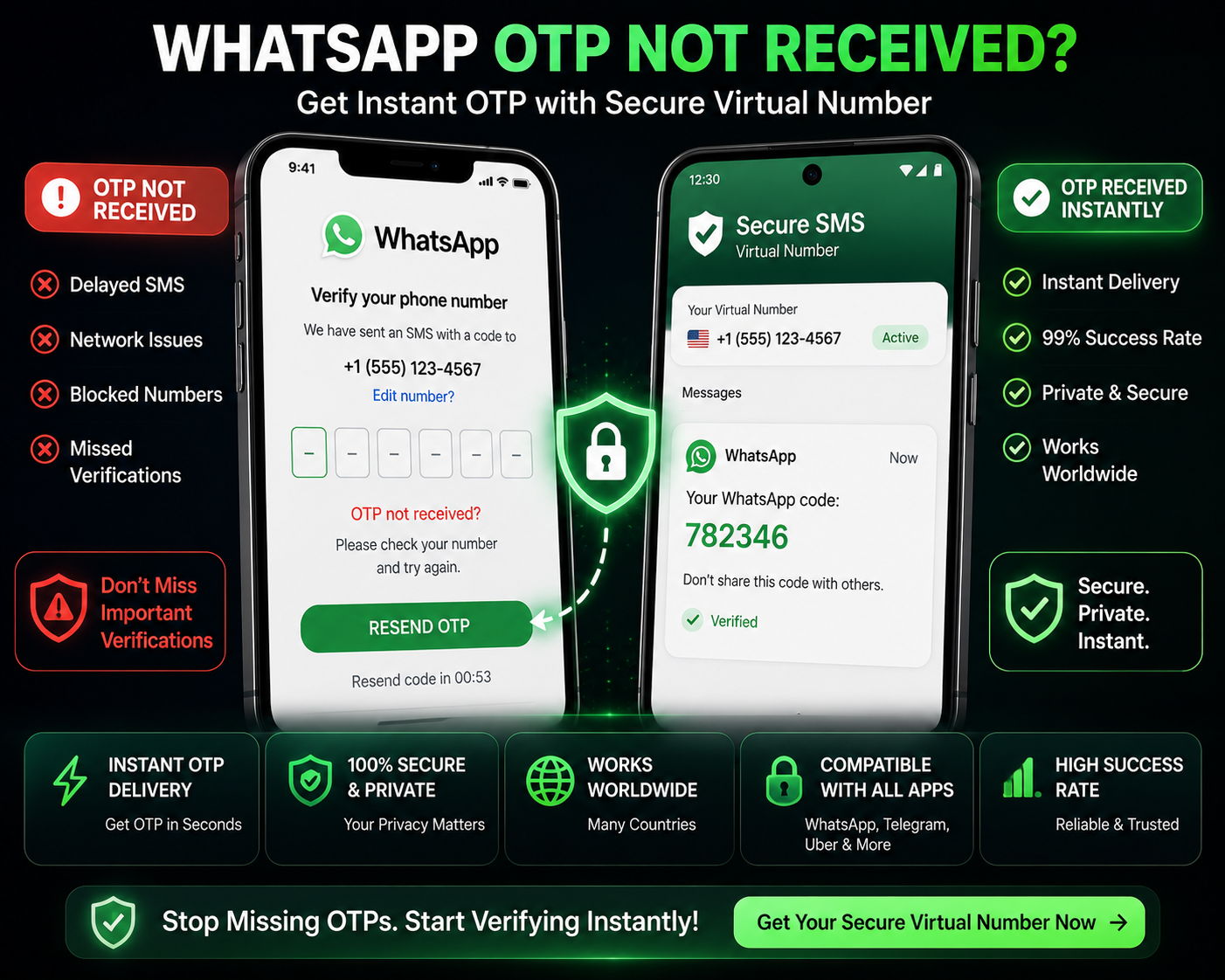
Why WhatsApp OTP Is Not Working
If you’ve tried verifying your WhatsApp account and didn’t receive the OTP, you’re not alone.
👉 “OTP not received”
👉 “We couldn’t send an SMS to your number”
👉 “Try again later”
These errors are becoming more common — and they’re not random.
WhatsApp has significantly tightened its verification system to prevent spam, abuse, and automated account creation.
This guide explains:
Why WhatsApp OTP fails
What’s happening behind the scenes
And the real fixes that actually work in 2026
Why WhatsApp OTP Is Not Working (Real Reasons)
Most guides give generic advice like “check your signal.”
That’s not the real issue.
Here’s what actually causes failures:
1. Number Is Flagged or Previously Used
WhatsApp tracks:
Numbers used multiple times
Numbers linked to previous accounts
Numbers associated with suspicious activity
If your number falls into this category:
👉 OTP delivery may be silently blocked
2. Public / Shared Numbers Are Blocked
If you’re using free SMS services:
The number has likely been used hundreds of times
WhatsApp already recognizes it
👉 Result: OTP never arrives
This is one of the most common reasons users fail verification.
3. Carrier Filtering or SMS Routing Issues
Sometimes OTP is sent — but never reaches you.
Why?
Certain carriers block automated messages
SMS routes may fail or delay
International numbers can have unstable delivery
👉 You may wait indefinitely without receiving anything
4. Too Many Requests in a Short Time
If you:
Request OTP repeatedly
Retry multiple times
WhatsApp may temporarily restrict your number or session.
👉 This leads to “try again later” errors
5. IP and Location Mismatch
WhatsApp checks:
Your IP location
Your number’s country code
If they don’t align:
👉 The system may treat it as suspicious
Why Free SMS Services Fail for WhatsApp
This is directly connected to
👉 why SMS verification fails
Free SMS platforms:
Use shared numbers
Have public inboxes
Are heavily abused
From WhatsApp’s perspective:
👉 These numbers are high-risk
So they are often blocked completely.
What Actually Works (Reliable Fixes)
Now the important part.
👉 What actually works?
✔ Use a Clean, Private Number
Private numbers:
Are not reused
Are not publicly listed
Have higher acceptance rates
👉 This avoids instant blocking
✔ Match Your Region
If you are accessing WhatsApp from the UK:
👉 Use a UK number
This reduces detection risk.
✔ Avoid Repeated Requests
If OTP fails:
❌ Don’t keep retrying
✔ Wait or switch number
✔ Use Stable Network / Device
Avoid VPN switching during verification
Use a consistent device
👉 This reduces system flags
Step-by-Step: Reliable WhatsApp Verification Method
Here’s a more consistent approach:
Get a private virtual number
Ensure it matches your region
Open WhatsApp in a clean session
Enter number once
Wait for OTP (do not spam)
Complete verification
Common Mistakes to Avoid
Most users fail because they:
Use free SMS numbers
Retry OTP too many times
Use mismatched country numbers
Use unstable networks
👉 Fixing these dramatically improves success rate.
Free vs Private Numbers (Reality)
Free Numbers
❌ Often blocked
❌ Shared usage
❌ Low success rate
Private Numbers
✔ Reliable delivery
✔ Less detection
✔ Higher success rate
👉 This is the difference between success and frustration.
Why WhatsApp Is Stricter in 2026
WhatsApp is actively fighting:
Spam accounts
Fake profiles
Automation tools
So its verification system is now:
👉 Smarter
👉 More restrictive
👉 Less forgiving
Final Thoughts
If your WhatsApp OTP is not working, it’s usually not a technical issue — it’s a filtering issue.
Understanding:
How numbers are flagged
Why free services fail
What WhatsApp checks
👉 Helps you avoid repeated failures.
Using a reliable number and clean setup process makes verification significantly easier.